WorkActify · MoodtrackerActify
1.2

Designing a moment to check in

Designing a lightweight mood check-in that anyone could use, with or without connected health data.

Role
UX/UI Designer
Team
Product owner and two marketers, with external developers and a business analyst
Focus
Concept, check-in flow and mood history
Year
2025–2026
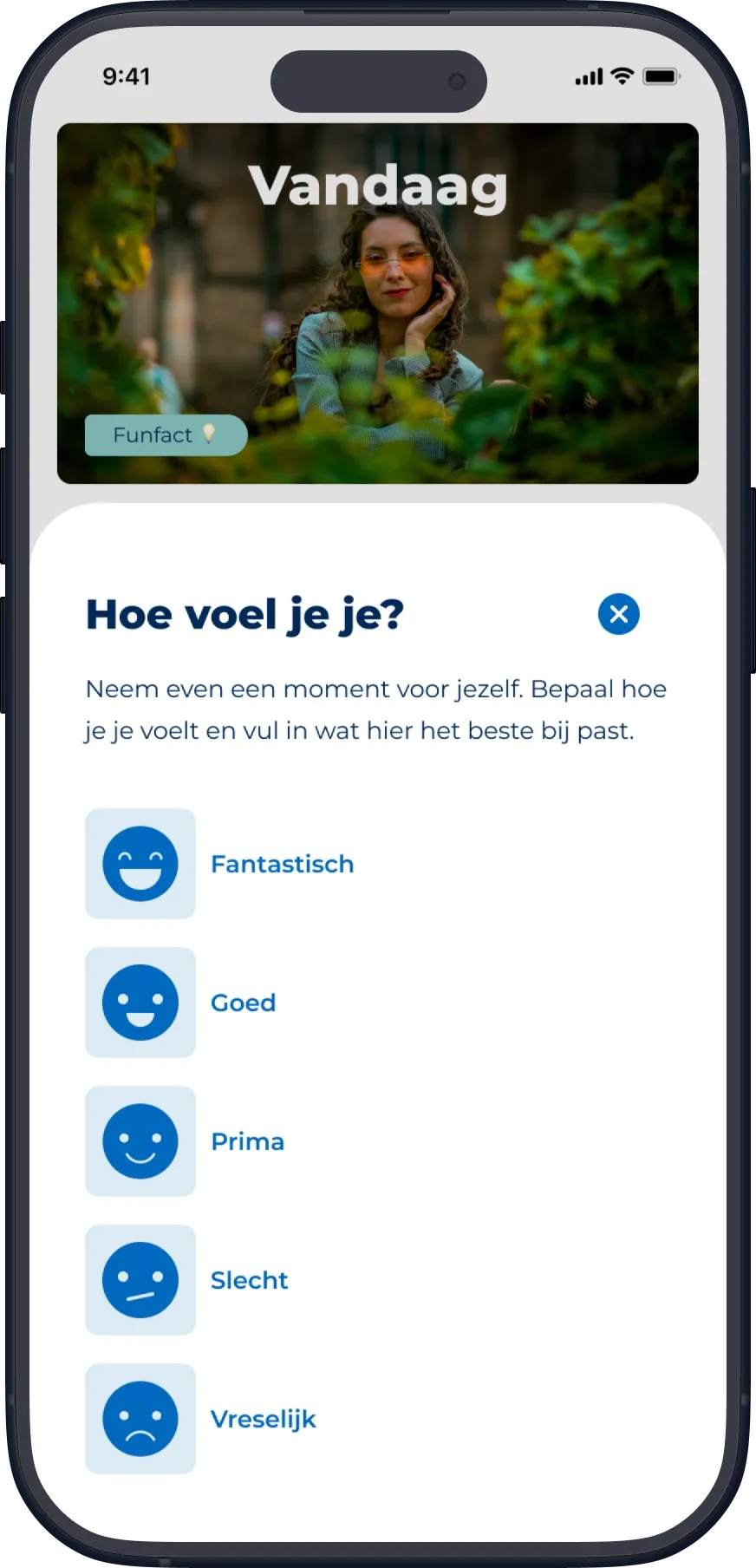
The mood check-in: Hoe voel je je? with five moods, from Fantastisch to Vreselijk.
Beyond connected health data

Looking beyond what devices can measure

Actify was exploring how sleep, stress and daily activity could help users better understand their health and lifestyle.

I led the early concept exploration, researching existing products and approaches and organising a team brainstorming session. We explored several directions, from contextual activity suggestions to helping users recognise patterns in their behaviour.

During discovery, the available stress data proved less suitable for the experience we had in mind. I also saw an opportunity to make the experience useful to users who didn't have a wearable or connected health app.

A self-reported mood check-in would let any user share how they felt, with or without automatically collected data.

From broader ideas to a focused feature

The initial concepts explored more ambitious ways to connect sleep, stress, activity and personal reflection.

As the work progressed, I narrowed the direction to a feature that could fit within Actify's existing experience: a simple moodtracker that users could complete whenever they wanted.

We still wanted to help users see how their mood, sleep and activity were connected, but automated insights across that data didn't make it into the release.

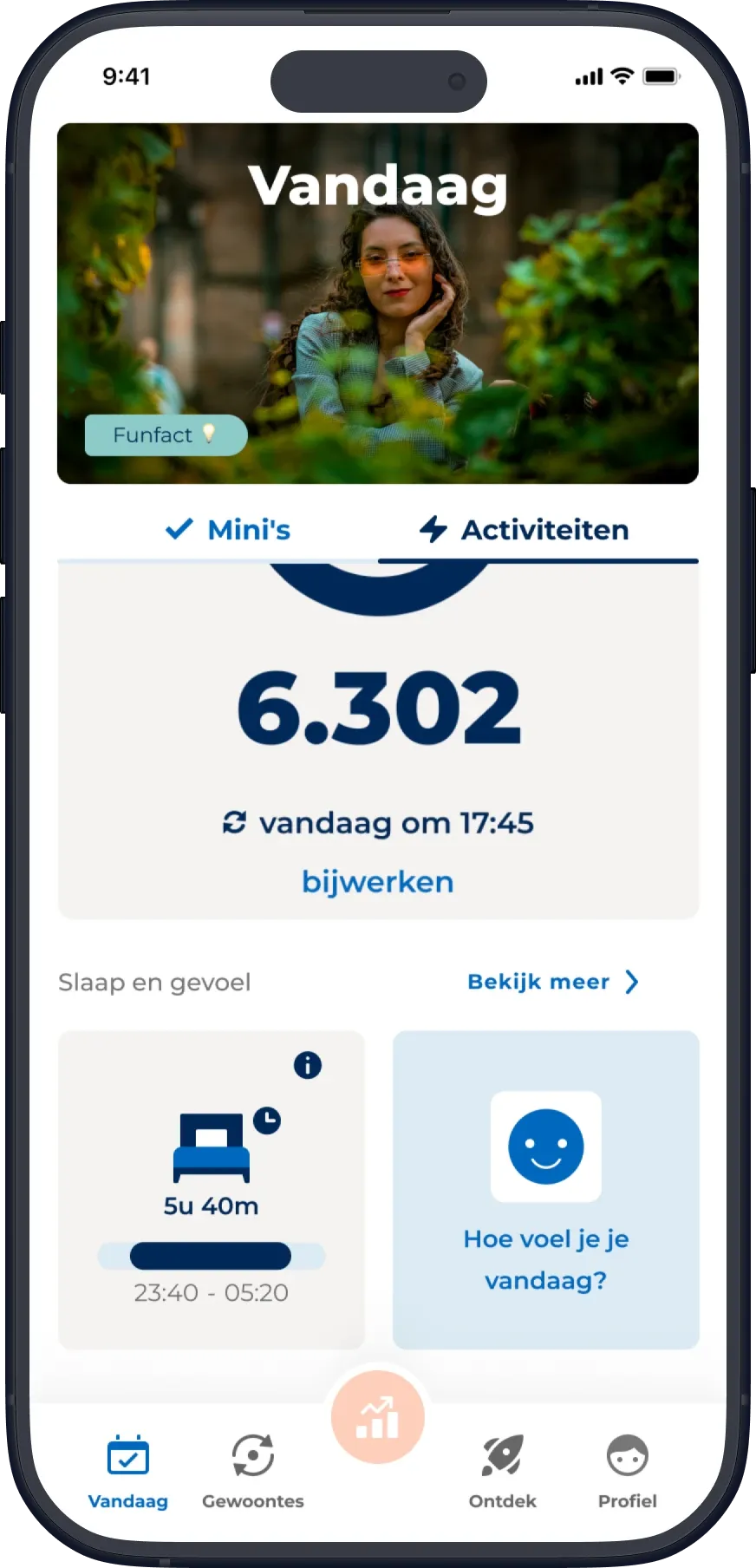
Vandaag screen, Activiteiten tab: Slaap en gevoel with a sleep card next to the moodtracker card asking Hoe voel je je vandaag?
In contextThe moodtracker sits next to sleep on the Activiteiten tab, as one more source of information about how someone is doing.
A check-in that asks as little as possible

Quick to complete, with room for more

The moodtracker lives alongside other activities and health information in Actify. When someone hasn't recorded their mood that day, its card invites them to answer a simple question: How do you feel today?

Tapping the card opens a three-step flow using Actify's existing bottom-sheet pattern.

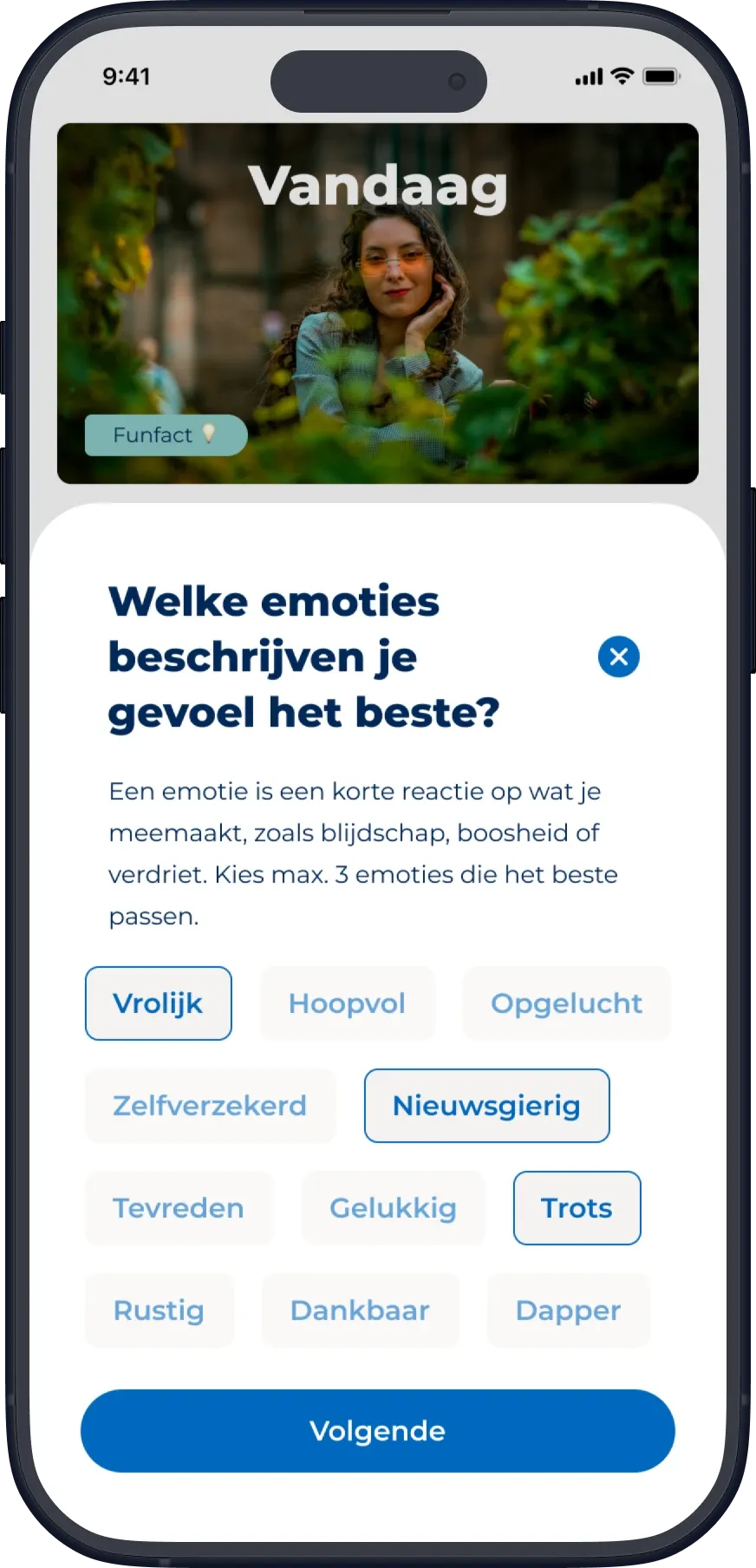
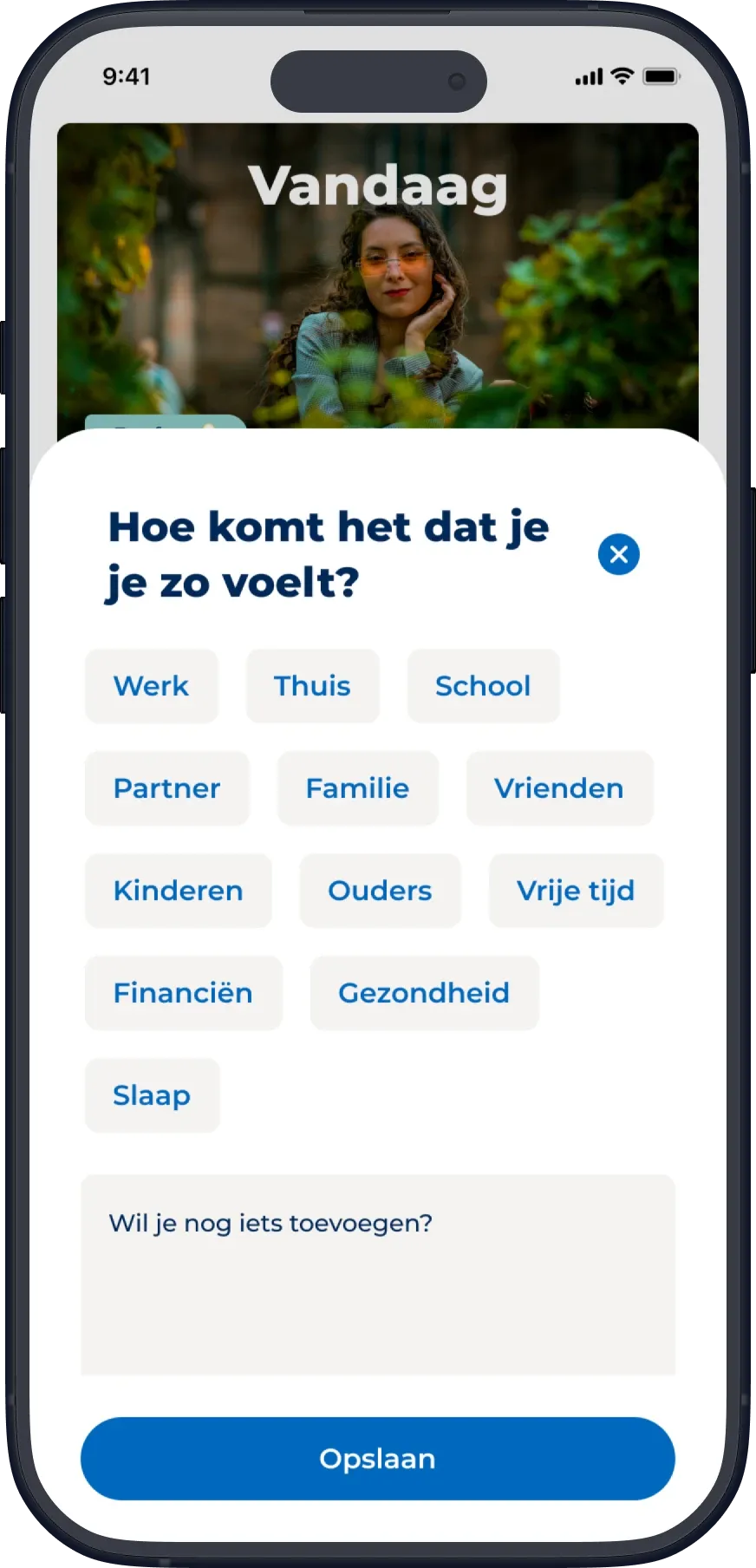
The first step asks users to select one of five moods. This is the only required input. The next steps allow them to add more detail by choosing up to three emotions, selecting situations that influenced how they feel, and writing an optional note.

I chose this structure to keep the basic interaction quick, while giving users room to reflect more deeply when they wanted to.

The check-in, in three bottom-sheet stepsSelect a step to focus on it.
The mood check-in: Hoe voel je je? with five moods, from Fantastisch to Vreselijk.
One of five moods. The only answer needed to continue.
Step 2: Welke emoties beschrijven je gevoel het beste? with emotion chips; Vrolijk, Nieuwsgierig and Trots selected.
Up to three emotions, to describe the mood in more detail. Users can continue without selecting any.
Step 3: Hoe komt het dat je je zo voelt? with situation chips, a note field and an Opslaan button.
Situations that influenced the mood, and a written note. Both can be left empty before saving.

Designing for repeated check-ins

Users can record their mood multiple times a day.

After saving, the card updates to show the most recently selected mood and indicates when additional entries have been made. The next day, it returns to its invitation to make a new entry.

This way, the moodtracker captures how someone feels at a particular moment, without asking them to sum up their whole day in one answer.

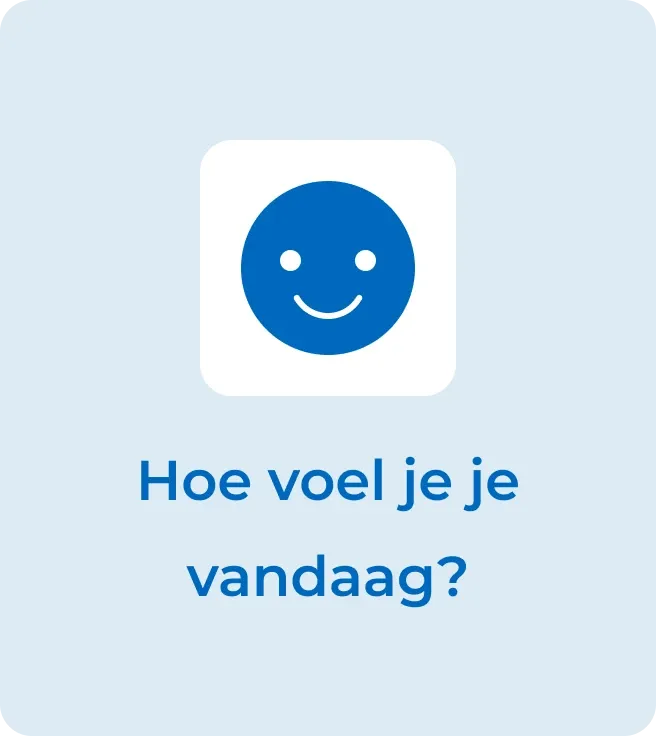
Moodtracker card, empty state: Hoe voel je je vandaag?
BeforeThe card invites a new entry when nothing has been recorded that day.
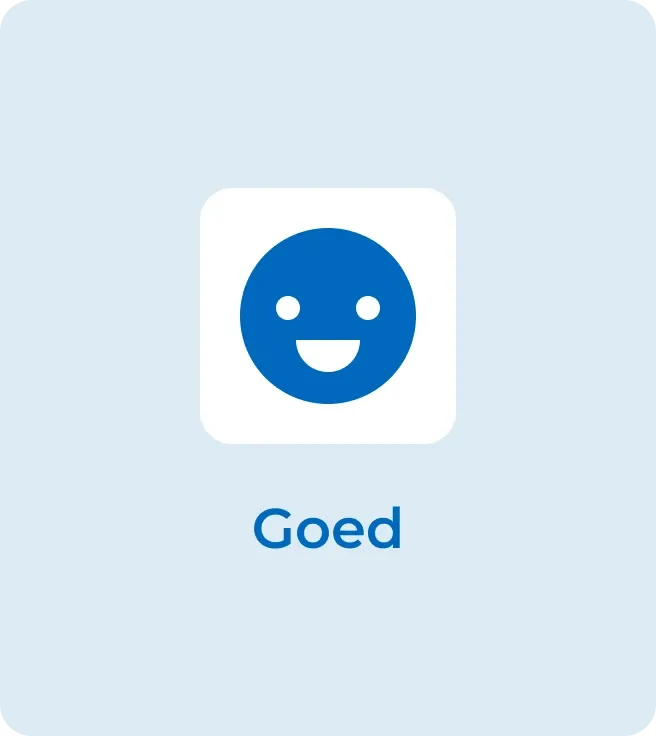
Moodtracker card, completed state: Goed
AfterThe card shows the latest mood and notes when more entries were made.
Making reflection something to return to

Looking back at how you felt

Recording a mood is only one part of the experience. I also designed how users could revisit their entries.

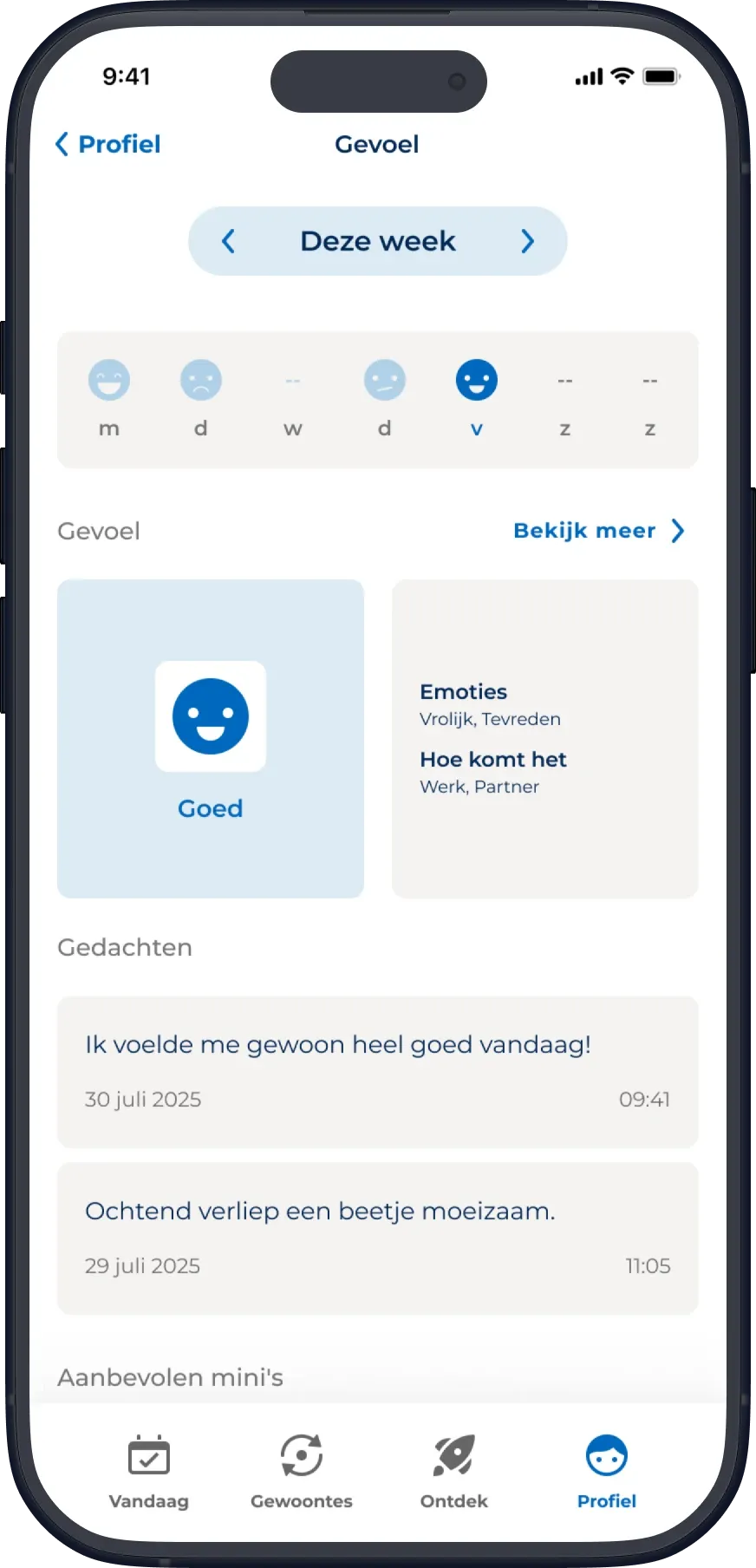
The detail page provides a week-at-a-glance overview, using mood emojis to represent the most recent entry for each day. Users can move between weeks to look back at earlier periods.

For the selected week, the page highlights the most recent mood entry, together with its emotions and situations. Beneath it, the two most recent written notes provide a glimpse of previous reflections.

Gevoel detail page: this week's moods, the latest mood with its emotions and situations, and recent notes.
The released Gevoel detail page.
Reading the detail page
  1. Weekly mood strip. One emoji per day, showing that day's most recent entry. Arrows move between weeks.
  2. Most recent mood. The latest entry in the selected week, with its emotions and situations. It is not a weekly average.
  3. Recent notes. The two most recent written notes, as a short glimpse of earlier reflections.

The full history

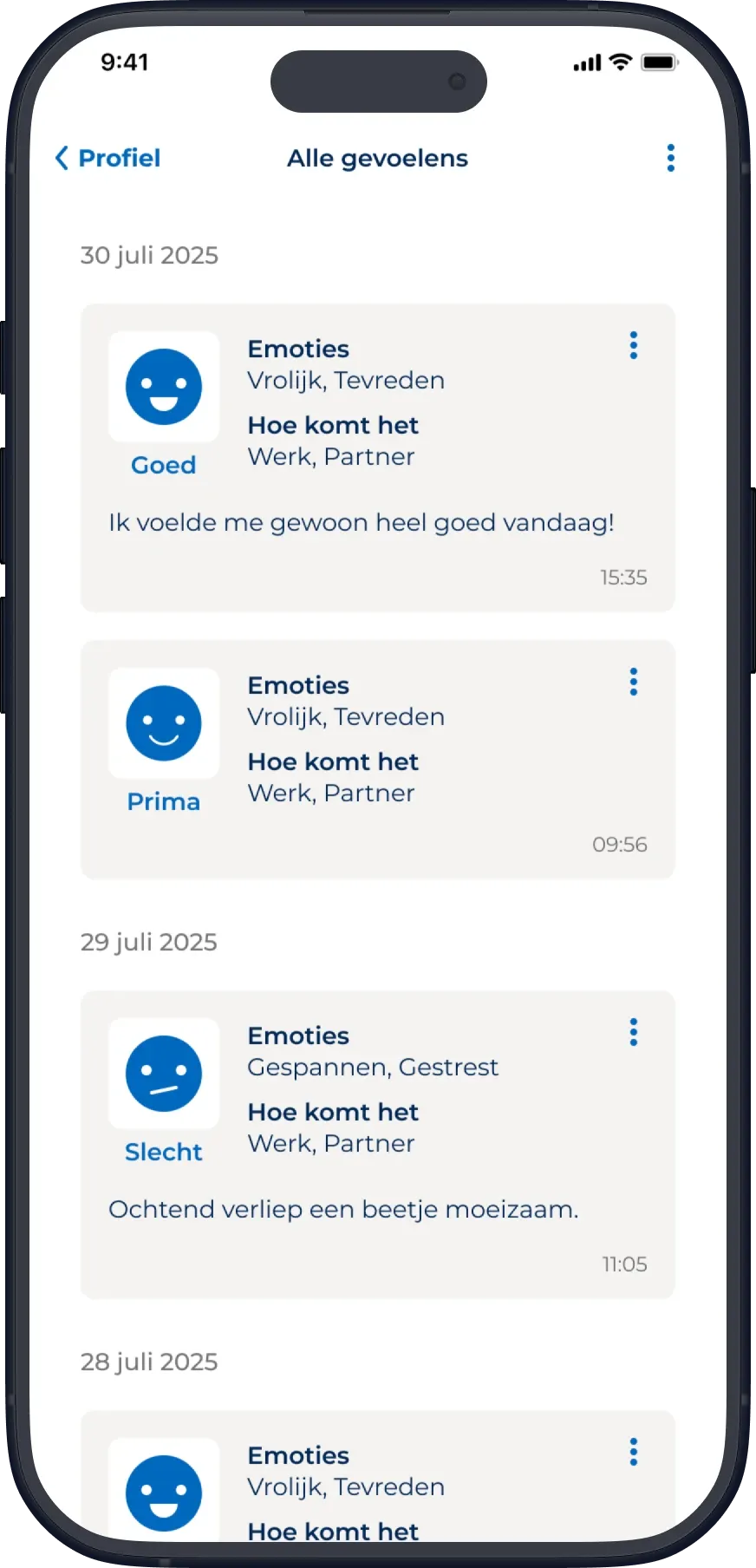
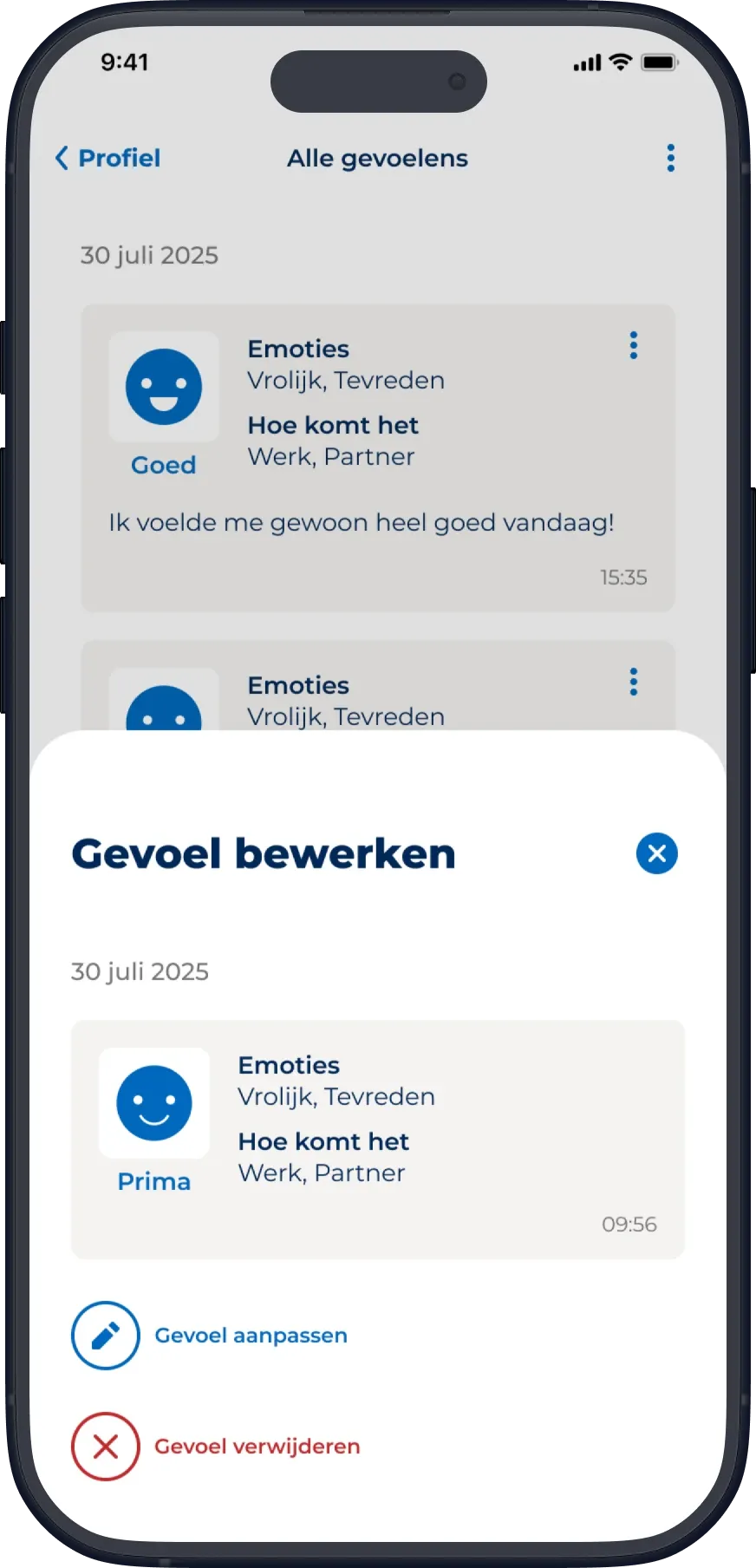
A separate history view makes all entries accessible in a chronological list. Users can open individual entries to view their details, edit or delete them, and can also delete their complete history.

The aim was to make earlier reflections easy to find again, without users having to dig through a lot of information each time.

Alle gevoelens: entries grouped by date, each with mood, emotions, situations, note and time.
HistoryAll entries in a chronological list, with an option to delete the full history.
Gevoel bewerken bottom sheet over the history list, with the entry details and options to edit or delete it.
Entry detailA single entry in a bottom sheet, where it can be edited or deleted.

Connecting reflection to action

The detail page also includes suggested mini activities.

At launch, these were three fixed suggestions available to everyone. In a later update, the experience changed to show one suggested mini based on the user's latest mood entry, with a default suggestion when no mood had been recorded.

At launchThree fixed minis, the same for everyone
Later updateOne mini based on the latest mood entry

This made the link between recording a mood and taking a small action more personal. Connecting mood with sleep and activity data hasn't happened yet.

Closing reflection

What I'd reconsider

To keep the emotion-selection step manageable, I originally filtered the available emotions according to the mood someone had selected.

That reduced the length of the list, but it also limited how users could describe their feelings. Someone might feel generally good while also experiencing frustration or anger.

ReleasedEmotions filtered by the selected mood
What I'd do insteadAll emotions available, with the mood used to prioritise them

If I designed it again, I'd keep every emotion available and use the selected mood to put the most relevant ones first.

The released moodtracker gives users an easy way to record and look back on how they feel. It's not the connected health insight we started out exploring, but it did give Actify a source of information about how users feel that doesn't depend on a wearable.

The released design was not formally usability-tested, and there are no reliable metrics to attribute outcomes to it.

The photos in these screens have been replaced with royalty-free images, as the app itself uses licensed stock photography.